

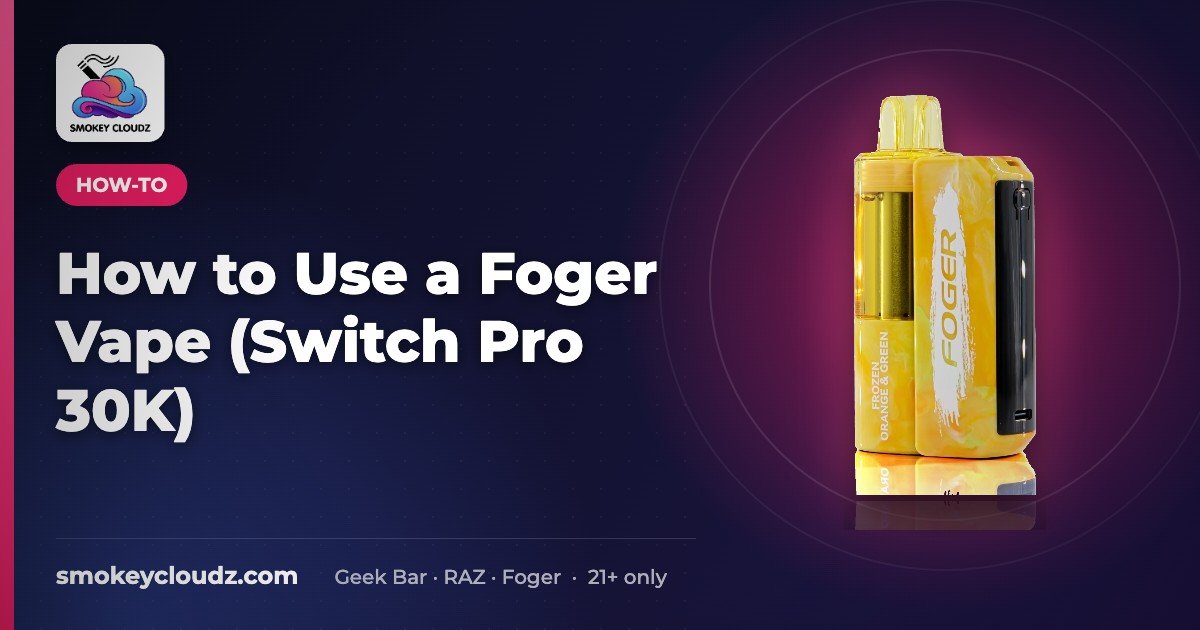
How to Use a Foger Vape (Switch Pro 30K)
Quick answer: The Foger Switch Pro 30K is a rechargeable battery with a pre-filled pod. Unbox it, make sure the pod is seated, take a gentle draw, and…

For adults 21+ only. Smokey Cloudz sells only to adults of legal age; see our Age Policy and Sales Restrictions. Vapes contain nicotine, an addictive chemical.
Quick answer: The Foger Switch Pro 30K is a rechargeable battery with a pre-filled pod. Unbox it, make sure the pod is seated, take a gentle draw, and recharge via USB-C when the battery runs low. When a pod is empty, swap in a new pod instead of replacing the whole device.
Pod won’t read? See Foger Switch Pro pod not detected.
How to use a Foger vape: draw, screen and charging
Most people searching “how to use a Foger vape” have a Foger Switch Pro 30K: a rechargeable 850mAh battery with a swappable pre-filled pod. Using one comes down to four habits:
- Draw, don’t press. It’s draw-activated, so there’s no fire button. Take a slow, gentle pull; hard, fast pulls are the usual cause of a weak or flooded hit.
- Read the screen. The display shows battery and pod level. If it flashes 188 or other codes, see Foger vape not working: 188 and screen codes.
- Charge with USB-C before it’s empty. No light when plugged in? Work through the no-light charging checklist.
- Swap the pod, keep the battery. When a pod runs out, fit a new Foger Switch Pro 30K pod (steps below). To store it or put it away, see how to turn off a Foger vape.
New to disposables in general? Start with how to use a disposable vape.
Steps
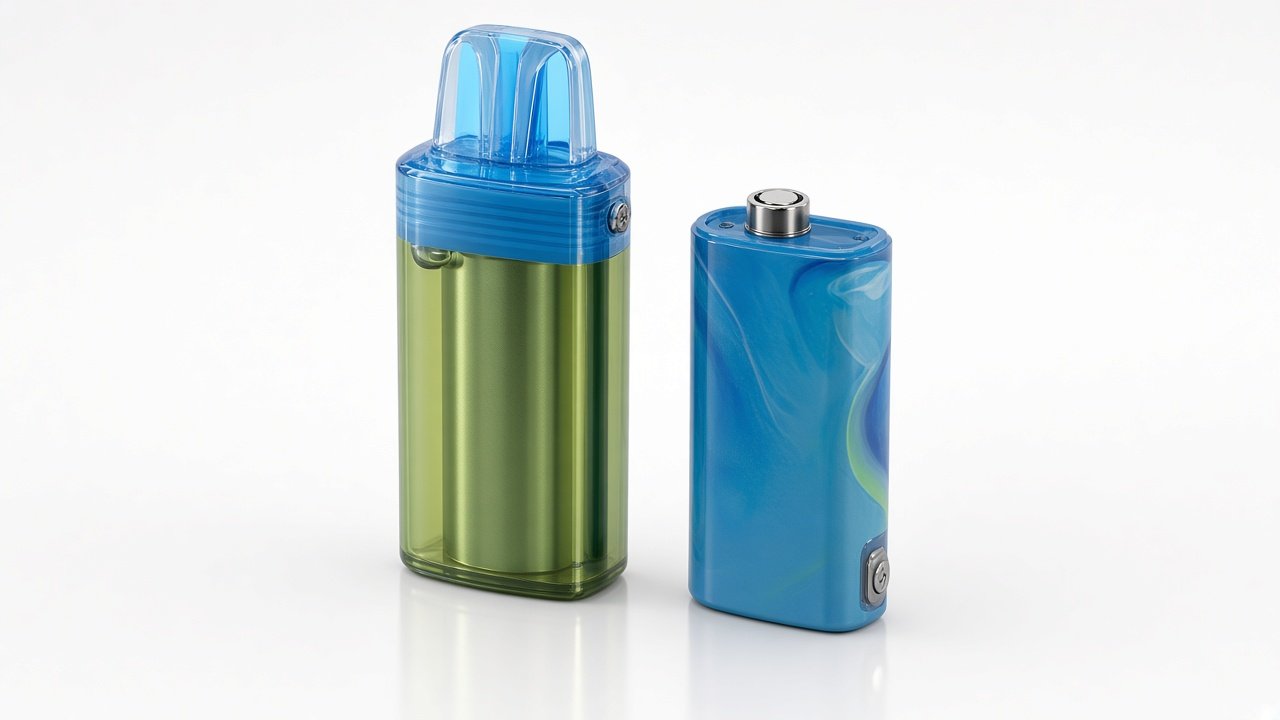
- Unbox and seat the pod on the battery until it clicks.
- Draw gently — it’s draw-activated.
- Watch the indicator for battery/e-liquid status.
- Charge via USB-C when low.
- Swap pods: pull the empty pod off, attach a Foger Switch Pro 30K replacement pod. Still deciding? Read Foger vs other disposables. Ideas on how to pair Foger pods.
- Replacement battery: Foger Switch Pro 850mAh battery.
If you see 188 flashing, see Foger vape blinking 188.
First use: step by step
- Check the box. The Foger Switch Pro 30K comes with a rechargeable battery and a pre-filled pod.
- Seat the pod. Line the pod up with the battery and press it down until it clicks. If it sits loose, take it off and seat it again.
- Charge first if the indicator is low. Use a USB-C cable and unplug when the indicator shows it’s full.
- Take a slow, gentle draw. The device is draw-activated, so there’s no button to press. Short, steady draws work better than hard pulls.
- Watch the indicator. Check the battery and e-liquid status on the device between sessions.
How to swap a Foger Switch Pro pod
- Pull the empty pod straight off the battery.
- Check that the contact area is clean and dry. Wipe it with a dry tissue if you need to.
- Press a new Foger Switch Pro 30K replacement pod on until it clicks.
- Take a gentle test draw. If it doesn’t fire, reseat the pod before you try anything else.
Keep the same battery and change only the pod. That’s what the Switch Pro is designed for.
What to buy: kit, pod, or battery
Choosing a pod flavor? Our Foger Switch Pro flavors guide covers every pod we stock.
- New to the Switch Pro: start with the Foger Switch Pro 30K kit (battery plus pod).
- Battery still works and the pod is empty: buy a replacement pod.
- Battery lost or not charging, but you have pods: get a Foger Switch Pro 850mAh battery.
For prices, flavors and stock, see each product page.
Not working after setup?
- No hit: reseat the pod, charge the battery, then try a gentle draw. If it still doesn’t hit, follow how to reset a Foger vape.
- 188 flashing: see Foger vape blinking 188.
- Want it to last longer: see how to extend the lifespan of Foger vapes.
- No light when charging: see the no-light charging checklist.
- Pod not detected: see Foger Switch Pro pod not detected.
Still choosing? Read Foger Switch Pro vs Geek Bar Pulse X.
Foger Switch Pro setup guides
More Foger Switch Pro guides from the Smokey Cloudz Team. For adults 21+ only.
- Foger Switch Pro buying guide: kit, pods & battery
- How long does a vape battery last?
- How long does a vape last?
- Foger vape flavors
- All vape guides
FAQ
How do you use a Foger vape?
Make sure the pod is clicked onto the battery, then take a slow, gentle draw. There’s no button. Recharge with USB-C when the screen shows low battery, and swap in a new Switch Pro pod when the pod runs out.
How do you use a Foger Switch Pro for the first time?
Seat the pod on the battery until it clicks, charge it with USB-C if the indicator is low, then take a slow, gentle draw. It’s draw-activated, so there’s no button.
Does the Foger Switch Pro have a button?
No. It’s draw-activated, so a gentle draw fires it.
How do you change the pod on a Foger Switch Pro?
Pull the empty pod straight off, make sure the contact area is dry, then press a new Foger Switch Pro 30K pod on until it clicks.
How long does a Foger Switch Pro take to charge?
Charge time depends on how low the battery is. Use a standard USB-C cable, check your unit’s manual, and unplug when the indicator shows it’s full.
Can I use any pod on the Foger Switch Pro?
No. Use Foger Switch Pro pods made for the Switch Pro battery.
Why is my Foger Switch Pro not hitting after a pod swap?
The pod usually isn’t fully seated. Take it off, press it back on until it clicks, and check that the battery is charged. If it still won’t hit, try the reset steps or the 188 guide.
Where can I find more Foger Switch Pro how-to guides?
See the Foger Switch Pro setup guides section above for the buying guide, battery life, flavors and the full vape guides hub. For adults 21+ only.