

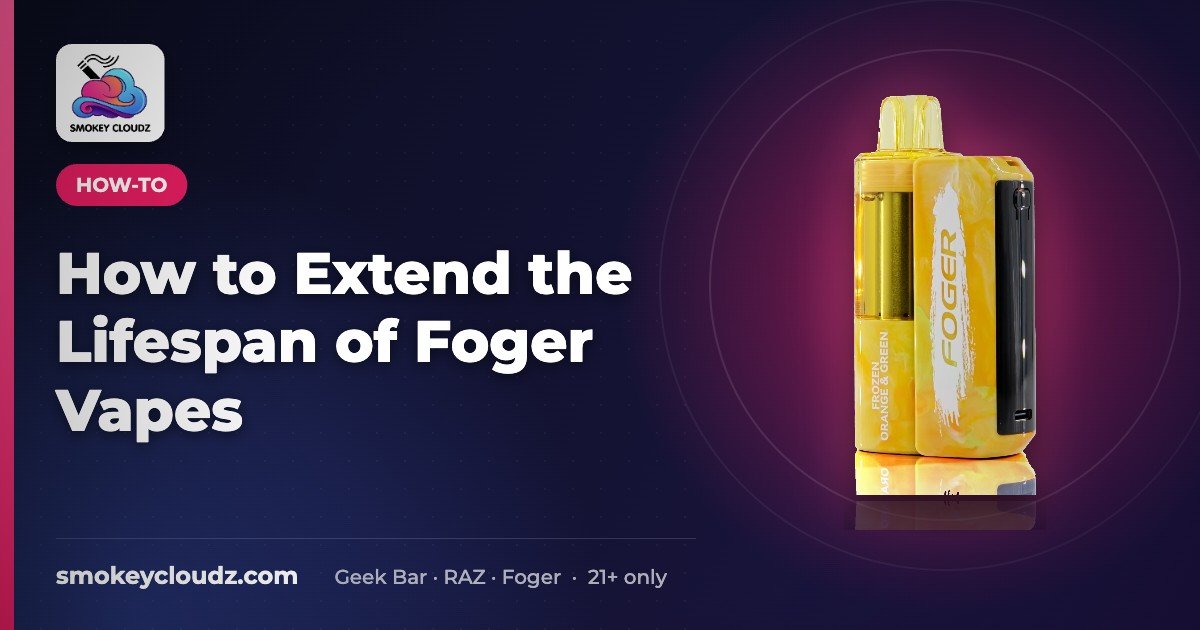
How to Extend the Lifespan of Foger Vapes
Quick answer: Charge with a proper USB-C cable, avoid heat and cold, take steady moderate draws instead of long chain pulls, store it upright, and keep…

For adults 21+ only. Smokey Cloudz sells only to adults of legal age; see our Age Policy and Sales Restrictions. Vapes contain nicotine, an addictive chemical.
Quick answer: Charge with a proper USB-C cable, avoid heat and cold, take steady moderate draws instead of long chain pulls, store it upright, and keep the mouthpiece and port clean. On the Foger Switch Pro, the battery and pod are separate, so you can replace a pod instead of the whole device.
7 tips
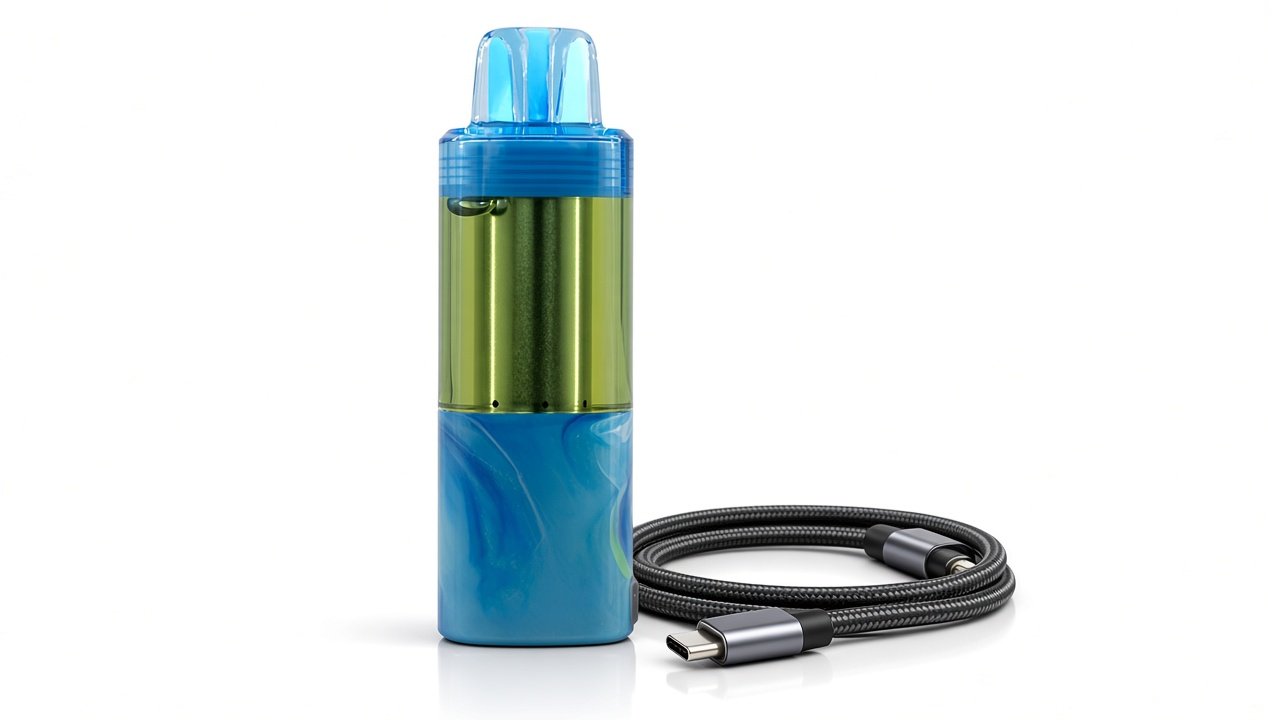
- Charge correctly: use a standard USB-C cable; unplug once full; don’t charge unattended or overnight.
- Avoid temperature extremes: don’t leave it in a hot car or freezing conditions.
- Moderate draws: long, back-to-back pulls can run e-liquid low on the wick faster and may cause burnt taste.
- Store upright and away from pockets with keys or coins.
- Keep it clean: wipe the mouthpiece and charging port with a dry cloth.
- Use the lock/off function if your model has one, so it doesn’t fire in a bag.
- Replace the right part: on the Foger Switch Pro 30K, swap a Foger Switch Pro 30K replacement pod or a Foger Switch Pro 850mAh battery instead of the full kit.
Shop Foger vapes.
Charging habits that help your Foger last
- Use a working USB-C cable and a standard wall adapter, not a fast charger brick or a damaged cable.
- Unplug once it is full, and do not charge unattended or overnight.
- Recharge when the battery indicator runs low instead of running it fully flat every time.
- Keep the charging port dry and free of lint. More tips: how to charge a vape.
How to store a Foger vape
- Keep it at room temperature; avoid hot cars, direct sun, and freezing conditions.
- Store it upright so e-liquid stays where it should.
- Keep it away from keys and coins, and use the lock/off function if your model has one.
- Keep it out of reach of children and pets.
When to replace the pod, battery, or device
When it’s time for a fresh pod, browse our Foger flavors page.
- Foger Switch Pro pod: flavor fades, burnt taste persists after pausing, or e-liquid is low → swap a Foger Switch Pro 30K replacement pod.
- Foger Switch Pro battery: a fresh pod still will not hit after a full charge, or it no longer holds a charge → try a Foger Switch Pro 850mAh battery.
- Full kit: if you need both, get the Foger Switch Pro 30K kit.
- Foger Bit: it is a one-piece device, so when it is used up, replace it with a new Foger Bit.
If your Foger stops working early
- Charge it fully first.
- Then run the steps in how to reset a Foger vape.
- Seeing a flashing 188? See Foger vape blinking 188 for what it means.
Foger setup and care guides
- New to disposables? Start with how to use a disposable vape.
- Battery questions: see how long a vape battery lasts, and how to charge a vape for charging steps.
- Switch Pro pod not reading? See Foger Switch Pro pod not detected.
- Foger Bit not hitting? See Foger Bit not working.
For adults 21+ only.
FAQ
How long does a Foger vape last?
It depends on the model and how you use it. Steady, moderate draws, correct charging, and cool storage help you get the most from each pod or device. On the Foger Switch Pro you can replace just the pod or the battery instead of the whole kit.
How should I charge my Foger vape?
Use a working USB-C cable and a standard wall adapter, unplug once it is full, and do not charge it unattended or overnight. See our how to charge a vape guide for more detail.
Can I leave my Foger vape in a hot car?
No. Heat and freezing cold are hard on the battery and e-liquid. Store it upright at room temperature, away from direct sun and out of pockets with keys or coins.
When should I replace my Foger Switch Pro pod?
Replace the pod when the flavor fades, it tastes burnt after you pause between puffs, or the e-liquid looks low. If the battery still charges and fires normally, a new Foger Switch Pro 30K replacement pod is usually all you need.
When should I replace the Foger Switch Pro battery?
If a fresh pod still will not hit after a full charge and a reset, or the battery will no longer hold a charge, try a replacement Foger Switch Pro 850mAh battery.
What if my Foger stops working or flashes 188?
Charge it fully first, then follow our how to reset a Foger vape steps. For what the blinking 188 code means, see our Foger vape blinking 188 guide.
Where can I find Foger setup and care guides?
See the Foger setup and care guides section above for links on first use, battery life, charging, Switch Pro pod detection, and Foger Bit troubleshooting.