

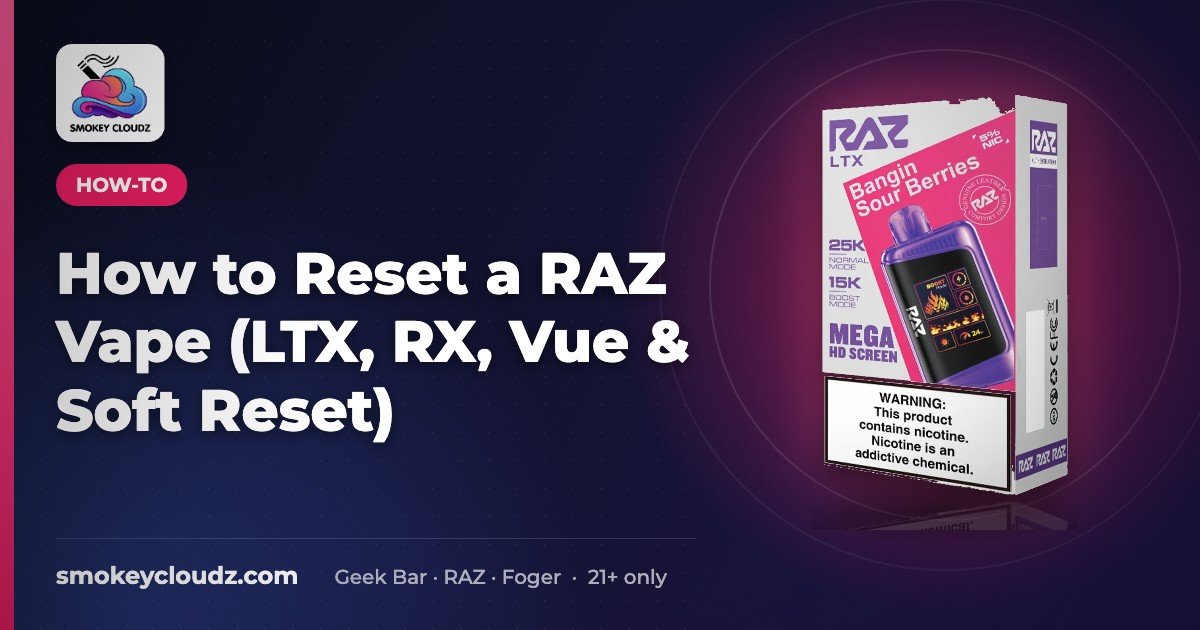
How to Reset a RAZ Vape (LTX, RX, Vue & Soft Reset)
Quick answer Most Raz disposables (like the LTX 25K and RX 50K) don’t have a factory reset button. A “reset” really means: charge it…

For adults 21+ only. Smokey Cloudz sells only to adults of legal age. See our Age Policy and Sales Restrictions. Vapes contain nicotine. Nicotine is an addictive chemical.
Quick answer
Most Raz disposables (like the LTX 25K and RX 50K) don’t have a factory reset button. A “reset” really means: charge it fully, let it rest, clear the airflow and mouthpiece, and wake the sensor with a few gentle puffs. If it still won’t work after that, it’s likely empty or at end of life.
What “reset” means on a RAZ
On a sealed RAZ disposable, “reset” doesn’t mean wiping the device back to factory settings. Most models have no such function. It means a soft reset: you give the battery, sensor, and coil the right conditions to start working again. When people say a RAZ “needs a reset,” it’s usually one of these:
- The battery is low. It may blink, show no vapor, or have a dead screen.
- It’s warm from heavy use and needs to cool down.
- The airflow is blocked by condensation, pocket lint, or a mouthpiece cap.
- A screen setting is on, such as a lock or a mode the user didn’t mean to select.
- The device is empty, or at the end of its rated life. No reset fixes this.
The soft reset rules out the first four. If the problem is the fifth, it’s time for a new device.
Soft-reset checklist (step by step)
- Charge fully with USB-C. Use the cable and a standard low-power USB port or adapter. Leave it until the display or light shows full. Most models take 30–60 minutes. Don’t use the device while it’s charging if it feels hot.
- Rest it for 10 minutes, unplugged, at room temperature. Don’t put it in a fridge or freezer to cool it faster.
- Clear the mouthpiece and airflow. Tap it gently, mouthpiece down, on a tissue, and wipe it dry. Don’t poke anything into the device or take it apart.
- Take 2–3 slow, gentle puffs to wake the draw sensor. Hard pulls can pull liquid into the airflow and make the problem worse.
- Check the e-liquid gauge if your model has a screen. If it reads empty, stop here. The device is done.
- Try it again after 30 minutes. Some devices recover after a longer rest, especially after a long session or a stint in a hot car.
Never open, refill, or modify a sealed RAZ disposable. Prying the shell, adding liquid, or tampering with the battery isn’t a reset, and it can damage the device.
Blinking lights and no vapor
| What you see | Most likely cause | What to try |
|---|---|---|
| Blinking light or screen, no vapor | Low battery | Charge fully, then follow steps 2–4 |
| Blinking after a long session | Device is warm | Let it cool for 10–30 minutes |
| Gurgling, weak draw, liquid at the mouthpiece | Flooded or clogged airflow | Follow our disposable unclog guide |
| Screen works, still no vapor | Sensor not triggering, or the device is empty | Try gentle puffs and check the liquid gauge |
| No response, even after charging | End of life or a fault | Stop using it and replace it |
For more battery and sensor checks, see RAZ vape not hitting? Battery, airflow & sensor checks.
RAZ won’t charge? Check the cable, port and temperature
If the battery reading never moves while plugged in, the charge probably isn’t reaching the battery. Rule these out before you run the soft-reset checklist again. These are general good-practice checks, not official RAZ instructions.
- Try a second USB-C cable. Worn cables are the most common cause.
- Use a basic wall adapter or a computer USB port. If a fast charger isn’t working, try a standard low-power adapter.
- Push the plug all the way in and watch the screen for a few minutes. If the battery reading never changes, charge isn’t getting through.
- Clear the port. Unplug, look into the port with a light, and gently remove lint with a dry cotton swab or wooden toothpick. Don’t use metal, water or alcohol.
- Let it reach room temperature. A RAZ left in a hot car or in winter cold may not charge until it warms up or cools down. Leave it unplugged indoors for 20 to 30 minutes. Don’t use heat or a freezer to speed it up.
A battery icon that blinks while plugged in usually means it’s charging normally. Flashing that changes when you wiggle the cable points to a loose cable or dirty port. If it gets hot, swells or smells burnt while charging, unplug it, move it to a non-flammable surface and stop using it. See can disposable vapes explode? for warning signs. For charge times, see how to charge a vape.
RAZ not turning on at all
RAZ devices are draw-activated, so there’s no power button to press. If the screen stays black with the cable in and out:
- Run the cable, port and temperature checks above with a cable and adapter you know work.
- Leave it plugged in for at least 30 minutes, even if nothing shows right away.
- Unplug, wait a minute, then take a slow, gentle draw.
- Check for a lock icon or stuck mode (see screen, lock and mode quirks below).
If it still shows nothing, the battery or circuit has most likely failed. Stop using it and don’t try to open it.
RAZ not working after charging?
This usually isn’t the battery. If the screen shows full but you get no vapor, or only weak, burnt-tasting hits, the e-liquid is probably low or used up. The LTX and RX screens show e-liquid level as well as battery. Charging can’t bring back an empty e-liquid reading, and these are sealed, pre-filled devices, so the fix is a new device (or a new pod on the Vue kit). Boost mode empties it sooner than the rated puff count. See which RAZ vape lasts the longest and, for burnt hits, why a disposable tastes burnt.
Screen, lock, and mode quirks
Some screen models have a child-lock or mode button. Check your box/manual for the button sequence.
Screen-equipped RAZ models show readouts such as battery, e-liquid, and mode or wattage. If the screen shows a lock icon or the device won’t fire, use the button sequence printed in your device’s box or manual. Sequences vary by model and production batch, so we don’t list one here. Pressing buttons at random can switch the mode instead of unlocking it.
Model notes: LTX, RX, and Vue
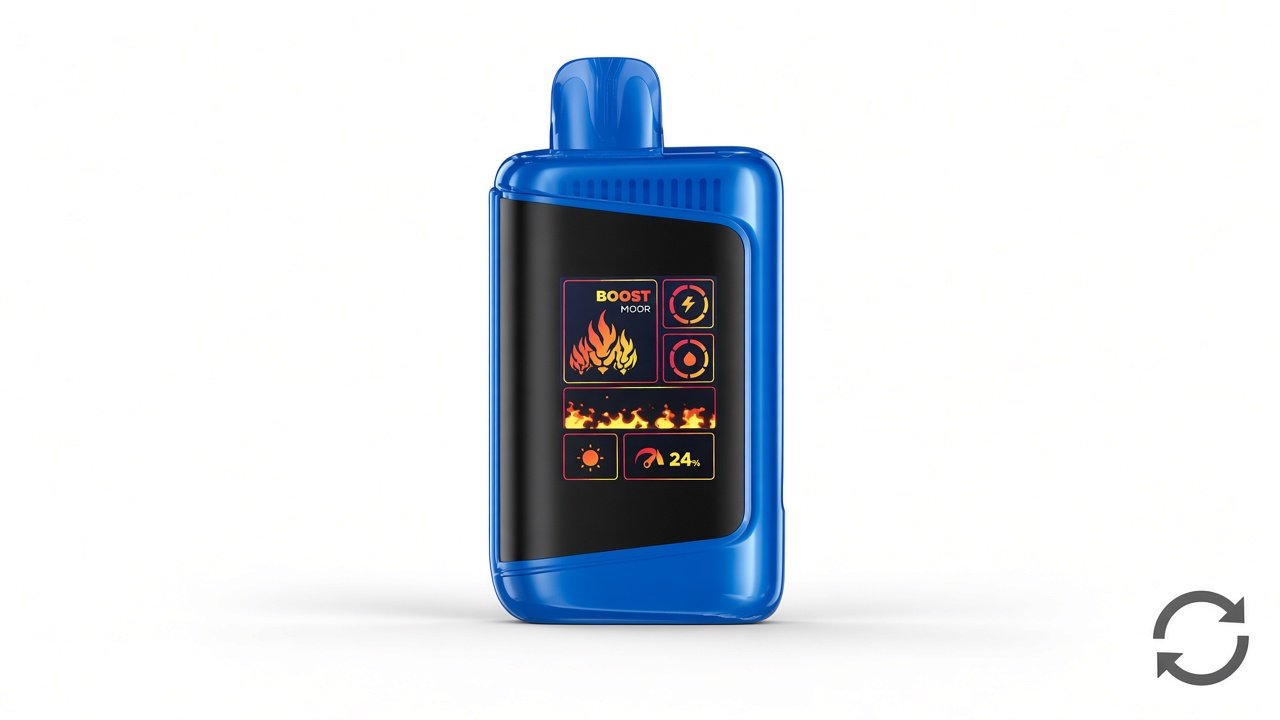
RAZ LTX 25K: This is a sealed disposable. The product page lists Normal (12 W) and Boost (24 W) modes, an 800 mAh battery, and a Mega HD display that shows battery, e-liquid, wattage, and mode. If it seems “broken,” first check that you haven’t switched into Boost by accident. Boost uses liquid and battery faster. Then follow the soft-reset checklist. Comparing it with the Geek Bar Pulse X? See Pulse X vs RAZ LTX.
RAZ RX 50K: This is also a sealed disposable, rated up to 50K puffs in its lowest-output mode. The soft-reset steps are the same. Because of its long rated life, low battery is the most common cause of a blinking light, so charge it before anything else.
RAZ Vue 50K: The Vue is a battery + pod system, not a single sealed device. If it stops firing, first check that the pod is fully seated. Then charge the battery and follow steps 2–4. If a pod is empty, replace the pod, not the whole device, with a Vue replacement pod. Don’t refill pods.
The Vue kit charges through the USB-C port on its power bank. If the bank charges but the pod won’t fire, try a fresh pod. If a new pod works, the old one was empty, not the bank. More Vue-only fixes: RAZ Vue not working.
Want to know how long each model is rated to last? See How many puffs does a RAZ vape have?
When a reset won’t help
- The e-liquid gauge reads empty, or the taste turns burnt even at low output.
- It doesn’t respond after a full charge plus a 30-minute rest.
- The device is physically damaged, cracked, or leaking. Stop using it.
In those cases, replace the device. Recycle or dispose of it according to your local rules for battery-containing electronics.
Related
RAZ setup and reset guides
If a soft reset didn’t sort it out, these guides cover setup, charging, and battery questions for RAZ devices we carry.
- Setting up a new device: How to use the RAZ LTX and how to use the RAZ Vue.
- Charging basics for any USB-C disposable: How to charge a vape.
- How long a charge and a battery typically hold up: How long does a vape battery last?
- Seeing flashing lights? What a blinker on a vape means.
- New to disposables in general: How to use a disposable vape.
- Reset didn’t fix it? RAZ vape not working: fixes for every model we carry.
| RAZ device (in stock) | Price |
|---|---|
| RAZ LTX 25000 | $23.49 |
| RAZ RX 50000 | $24.99 |
| RAZ Vue 50K kit | $24.99 |
| RAZ Vue 50000 replacement pod | $24.99 |
Prices as listed on our store Oct 29, 2026 and may change. Adults 21+ only.
FAQ
How do I reset a RAZ vape?
Most RAZ disposables have no factory reset button. A soft reset means charging fully with USB-C, resting it unplugged for about 10 minutes at room temperature, clearing the mouthpiece and airflow, then taking 2 to 3 slow, gentle puffs.
Why won’t my RAZ vape charge?
It’s usually the cable, the adapter or lint in the USB-C port. Try a second cable and a basic wall adapter, clear the port with a dry swab, and let the device reach room temperature before plugging it in again.
Why won’t my RAZ vape turn on?
RAZ devices are draw-activated, so there’s no power button. Charge it for at least 30 minutes with a cable you know works, unplug it, then take a slow draw. If the screen stays black after that, the battery has most likely failed.
Why is my RAZ vape not working after charging?
If the screen shows a full battery but you get no vapor, the e-liquid is likely used up. Check the e-liquid reading on the screen. A sealed RAZ disposable can’t be refilled, so an empty one needs to be replaced.
Why is my RAZ vape blinking?
Blinking with no vapor usually means a low battery or a device that’s warm from heavy use. Charge it fully and let it cool. A battery icon that blinks while plugged in usually just means it’s charging.
How do I charge a RAZ Vue?
Charge the Vue through the USB-C port on its power bank. If the bank charges but the device won’t fire, take the pod off, reseat it firmly, or try a new Vue pod.
Where can I find more RAZ setup and reset guides?
See the RAZ setup and reset guides section above for how-to pages on the RAZ LTX and RAZ Vue, our vape charging guide, and our vape battery life guide.
Shop RAZ and related guides
All Raz vapes · Raz LTX 25000 · Raz RX 50000 · RAZ Vue 50K · Vue replacement pods · All disposable vapes · Which RAZ lasts the longest?
Picking your next device? Browse all RAZ vape flavors we have in stock.
Adults 21+ only. Eligible US states only. See Sales Restrictions.