
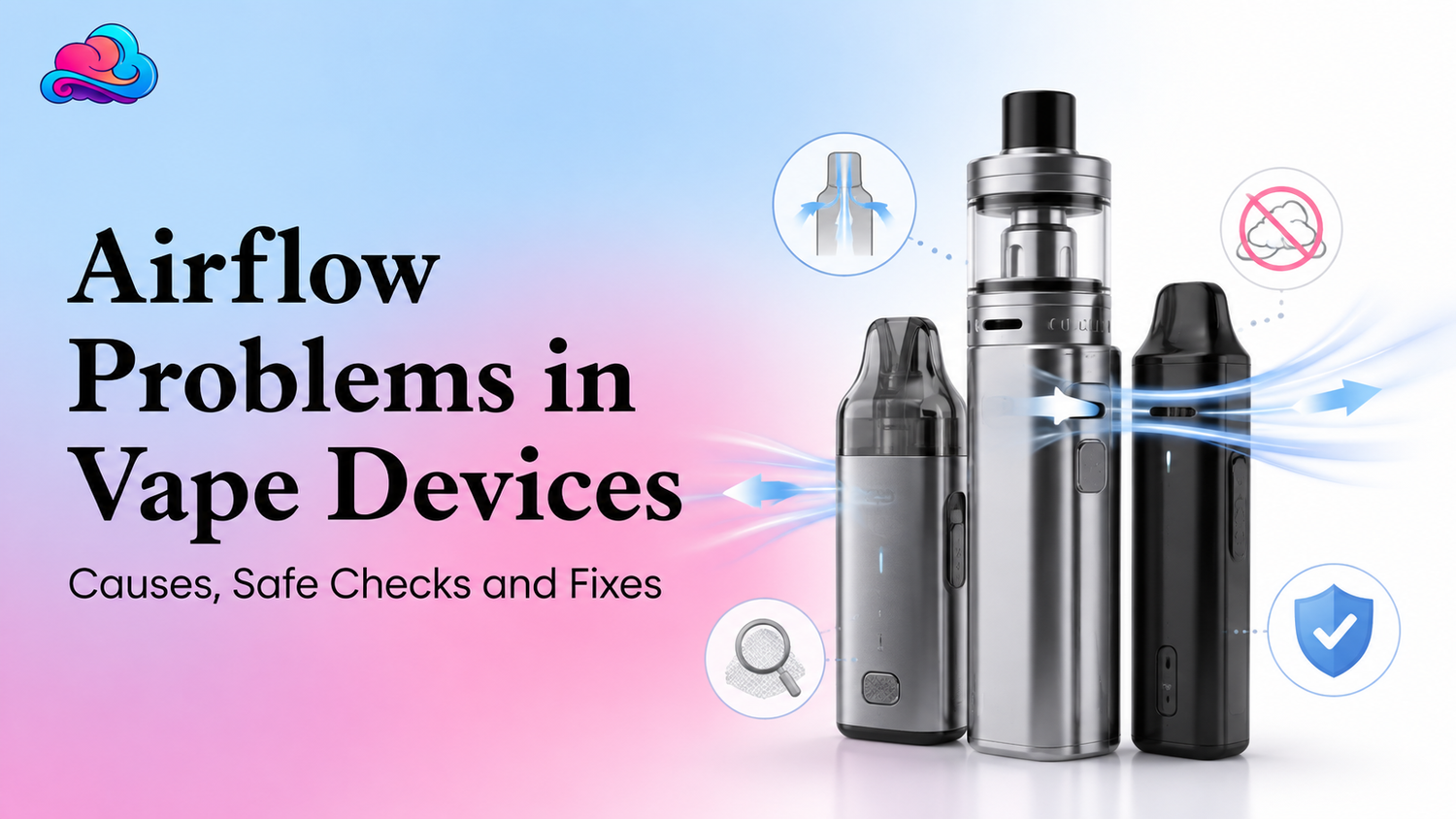
Airflow problems can make a working vape feel broken within seconds. A draw may suddenly become tight, weak, noisy, or far too airy, even when the battery still shows power. A product such as the Foger Switch Pro 30K airflow control uses a slider so an adult can adjust the pull, but a closed setting, lint, condensation, leaking, or damage can still interrupt normal air movement.
A blocked path also affects draw activation. Many disposable devices start heating when air pressure changes during a puff. When the path is closed or covered, the sensor may not receive a clear signal and the coil may produce little or no vapor.
The safe response is to inspect only the outside, move an approved control gently, clean visible residue with a dry soft item, and stop when heat, swelling, cracks, or heavy leaking appear. This article is for adults aged 21 and above.
Direct Answer for a Poor Draw
Airflow problems usually come from a shipping seal, closed slider, pocket lint, condensation, thick residue, a shifted seal, leaking, or a damaged mouthpiece. Start by removing every outer plug and sticker, checking hand position, and placing an adjustable control near the middle.
A tight vape draw often improves when an outer blockage is removed or the control is opened slightly. A loose vape draw may point toward an overopened slider, a pod that is not seated, a damaged seal, or air entering through a crack.
Do not pull harder when the vape airflow blocked condition continues. Strong suction can move liquid into the mouthpiece, flood the coil area, or make throat discomfort worse.
Device Format Comes First
A sealed disposable, removable pod, refillable tank, and battery base have different air paths. Disposable vape airflow is usually limited to a mouthpiece opening, bottom or side intake, and any slider built into the body.
A modular pod may add magnetic contacts and a gap between the pod and base. A refillable tank may include a ring, chimney, coil opening, seals, and several intake slots.
The Geek Prime beginner device notes can support a basic review of charging, screens, airflow, and first use. Its controls should not replace the directions for the exact product in your hand.
Tight Draw Causes
A tight vape draw can begin when a rubber plug or bottom sticker remains on a new device. Fingers can also cover a small intake without the adult noticing.
Pocket lint and dried liquid may narrow the mouthpiece. Condensation can collect after repeated use, mainly when a device moves between cool and warm places.
A clogged vape mouthpiece should be cleaned only at the visible opening. Use a dry tissue, soft brush, or dry cotton swab, and never push a pin or wire deep into the air path.
Loose Draw Causes
A loose vape draw feels airy and may create weak resistance. It can happen when an airflow slider is opened too far for personal comfort.
It may also appear when a pod is not seated, a seal has shifted, or the body has cracked. Air entering through an unintended gap can weaken the pressure change needed for normal draw activation.
An airy draw paired with leaking, rattling, or a damaged casing should not be treated as a preference setting. Stop using the device and review replacement support.
Condensation Around the Mouthpiece
Condensation is a small amount of liquid that forms when warm vapor cools near the mouthpiece. It can make the opening feel wet, cause light gurgling, or contribute to a clogged vape mouthpiece.
Hold the device upright and wipe the outer opening with a dry tissue. Let the device rest for a few minutes before another short draw.
Do not blow hard into the mouthpiece. That can push moisture toward the coil, sensor, or battery area and make disposable vape airflow less stable.
Adjustable Slider Checks
An adjustable airflow issue may be as minor as a slider sitting fully closed. Move the control gently from closed to open, then return it to a middle position for testing.
Do not force a slider that feels stuck. Dried liquid, impact damage, or a shifted outer part may prevent normal movement.
The Geek Prime use guide notes that packaging seals, blocked airflow, hard pulling, and hand position can change device response. Use that broad check while following the exact control design on your model.
Full Closure and Draw Activation
A fully closed setting can stop or greatly reduce air movement. On a draw activated vape, that may also stop the pressure sensor from starting the heating cycle.
If the screen lights but no vapor appears, open the slider partway and check that the mouthpiece and bottom intake are clear. Try 1 short steady draw after the device has cooled.
When an adjustable airflow issue remains after normal outer checks, do not pry the slider off. Internal repair is not a safe home step for a sealed device.
Safe Step by Step Check
Use this order for Airflow problems:
-
Stop drawing and disconnect any charging cable.
-
Inspect the body for cracks, swelling, heat, or leaking.
-
Remove every outer plug, film, and airflow sticker.
-
Check that fingers are not covering an intake.
-
Wipe the visible mouthpiece with a dry tissue.
-
Use a soft dry brush on the outer air opening.
-
Place an adjustable control near the middle.
-
Let the device rest upright for several minutes.
-
Try 1 short and steady draw.
-
Stop when the fault, heat, leaking, or burnt taste continues.
This process can clear a vape airflow blocked by an outer seal, lint, or mild condensation. It cannot repair a cracked body, failed sensor, shifted internal seal, or worn coil.
A Real Adult Use Example
Consider an adult named Noah. His device worked in the morning, but later it developed a tight vape draw and almost no vapor.
Noah checks the bottom and notices that his finger covers the intake during each puff. He changes his grip, wipes the outer mouthpiece, and moves the slider from nearly closed to the middle.
The draw returns to normal. Several weeks later, the same device develops a loose vape draw with liquid around a side seam. Noah stops using it because the second fault points toward a seal or body problem rather than a normal setting.
Pod Seating and Magnetic Connections
A removable pod can sit slightly above its normal position after a drop or pocket movement. That gap can create poor airflow, weak contact, and weak draw activation.
Remove only a pod designed to detach. Wipe its outer base and the accessible battery area with a dry cotton swab, then seat it straight.
The Geek Bar Clio Platinum replacement pod uses a magnetic fit and adjustable airflow on its matching device. Its pod is sealed, so it should not be opened or refilled.
Refillable Tank Checks
A refillable tank can develop Airflow problems when its ring is closed, the coil is installed poorly, a seal is missing, or liquid has entered the central air tube.
Turn the device off and follow the maker directions before removing the tank. Check approved removable parts, seals, and coil seating without letting water reach the battery.
A restricted pull after a new coil installation may point toward the wrong coil opening, poor seating, or too little airflow. A very airy draw after assembly may point toward a missing seal or a part that is not fitted correctly.
Sealed Disposable Limits
Disposable vape airflow can often be checked from the outside, but the internal path is not made for home repair. Do not remove a sealed mouthpiece or cut the body.
The RAZ Vue 50K kit uses adjustable bottom airflow, a magnetic pod, and a reusable battery. That design is different from a one piece sealed disposable, so contact and seating checks apply only to its intended parts.
When a sealed unit has heavy leaking, a split seam, strong heat, or no airflow after outer checks, seller support is more suitable than forced opening.
Battery Power and Weak Vapor
Low battery power can make vapor feel weak even when air moves normally. This is not always a vape airflow blocked condition.
Check the battery display or charging light before changing the slider again. Charging restores power but does not remove a clog, add liquid, or rebuild a coil.
If the port is wet or the body is hot, do not charge. Let the device cool and stop use when liquid has entered the charging area.
Nicotine Strength and Draw Feel
Airflow changes how a puff feels. A tighter setting may make vapor feel warmer and more concentrated, while a more open setting may feel cooler and airier.
The Geek Prime nicotine strength notes explain that puff length, frequency, airflow, and personal tolerance can change the experience. A strong sensation is not proof that the airflow is correct.
Adults who feel dizzy, sick, or uncomfortable should stop rather than use a tighter setting to chase stronger vapor.
Nicotine Free Products Still Need Airflow Care
A zero nicotine label does not remove the physical air path, coil, sensor, or battery. The same clogged vape mouthpiece and blocked intake concerns can still affect device operation.
The nicotine free vape buyer guide can support label and product type checks. Nicotine content and mechanical condition are separate topics.
A nicotine free product with a cracked body, active leak, swelling, or unusual heat should be removed from use just like another battery device.
Coughing, Gurgling and Spitback
A restricted draw may tempt an adult to pull harder. That can flood the coil area and lead to gurgling, liquid droplets, or coughing.
Stop and let the device rest upright. Wipe only the visible mouthpiece and return the slider to a moderate setting.
Do not keep drawing through a clogged vape mouthpiece when liquid reaches the lips. A persistent leak or burnt taste needs replacement review.
Issues That Often Make Airflow Worse
The first issue is using a pin or knife inside an intake. That can puncture a seal, damage a sensor, or create an air leak.
The second issue is blowing hard through the mouthpiece. Moisture may move deeper into the device instead of leaving it.
Another issue is forcing an adjustable airflow issue with pliers or another tool. A bent slider can leave the air path permanently open or closed.
The last issue is treating weak airflow resistance as harmless when the body is cracked. Weak resistance with visible damage can signal an unsafe leak path.
Better Daily Care
Keep the mouthpiece covered from lint and wipe visible condensation before it becomes sticky. Store the device upright in a cool dry area.
Take short steady puffs and allow brief pauses. Repeated long draws can increase heat and condensation.
Review disposable vape airflow before assuming that a weak puff means the device is empty. Check battery, liquid level, air openings, and damage together.
Buying Checks Before an Airflow Fault
Product pages should state whether the device has a fixed intake, slider, ring, or removable pod. Images should match the written product design.
The Geek Prime online buying checklist covers product titles, images, shipping information, return terms, and support records. Those records matter when a new device arrives with an adjustable airflow issue.
Keep the package, receipt, flavor, model, and photos until the product works normally. A seller can review a clear product fault more easily when the original details remain available.
Connection With the Wider Device Care Strategy
Airflow problems belong inside a complete vape airflow and performance guide. The wider topic includes mouthpieces, intakes, sliders, rings, pod seating, draw sensors, battery power, leaking, coil condition, and replacement signs.
This page supports that pillar by separating a vape airflow blocked by lint or seals from damage that needs seller support. It also explains the difference between a normal preference setting and a loose vape draw caused by a leak path.
The same review can support new devices, older disposables, and pod kits, but every step must match the exact format.
When Seller Support Is More Suitable
Contact Smokey Cloudz when a new device arrives cracked, heavily leaking, blocked after seal removal, or different from its product listing. Keep the order number, package, receipt, and clear photos.
Store support is also suitable when a slider will not move, a removable pod will not seat, or the draw remains abnormal after 1 safe outer check.
Do not open or modify the device before an order review. Smoke, swelling, burns, strong heat, or serious breathing trouble needs urgent safety or medical support.
Battery Heat During Troubleshooting
Airflow testing should stop when the battery area becomes hot. Disconnect power, move the device away from flammable items, and do not continue drawing.
The FDA page is written for medical devices rather than vapes, so it should not be treated as a vape manual. Its broad battery guidance still advises dry ports, visible daytime charging, disconnection after full charge, and protection from extreme temperatures.
For that final battery context, review the FDA charging and overheating guidance.
Conclusion
Airflow problems often come from outer seals, lint, condensation, a closed setting, poor pod seating, leaks, or damaged parts. Begin with a visual check and gentle outer care.
A tight draw may improve after opening the intake or clearing visible residue. A very airy draw with cracks, leaks, or loose parts needs a stop rather than more adjustment.
Use only approved controls, keep electronics dry, and stop after strong heat, swelling, smoke, heavy leaking, or a lasting burnt taste.
FAQs
Can a Tight Draw Start Suddenly?
Yes. Condensation, lint, a moved slider, hand position, or liquid near the air path can change the draw quickly.
Can Condensation Block a Mouthpiece?
Yes. Moisture can collect near the opening and narrow air movement. Wipe only the visible area with a dry tissue.
Can a Fully Closed Slider Stop Vapor?
Yes. A closed setting can block air and may prevent a draw sensor from activating.
Is Weak Resistance a Sign of an Air Leak?
It can be. Check for an overopened control, poor pod seating, shifted seals, cracks, or leaking.
Can a Disposable Be Opened to Clear Airflow?
No. Use outer checks only. Opening a sealed battery device can create leak and battery risks.
Can Low Battery Feel Like an Airflow Fault?
Yes. Air may move normally while low power causes weak vapor.
Can Hard Pulling Clear a Blockage?
It can make flooding, leaking, spitback, and coughing worse. Use a short steady draw.
Is a Wet Charging Port Safe to Test?
No. Stop charging and using the device when liquid reaches the port.
Which Signs Make Troubleshooting Unsafe?
Stop after heavy leaking, swelling, cracks, smoke, strong heat, a sharp smell, or serious physical symptoms.


Leave a comment
This site is protected by hCaptcha and the hCaptcha Privacy Policy and Terms of Service apply.