How to Unlock a Geek Vape
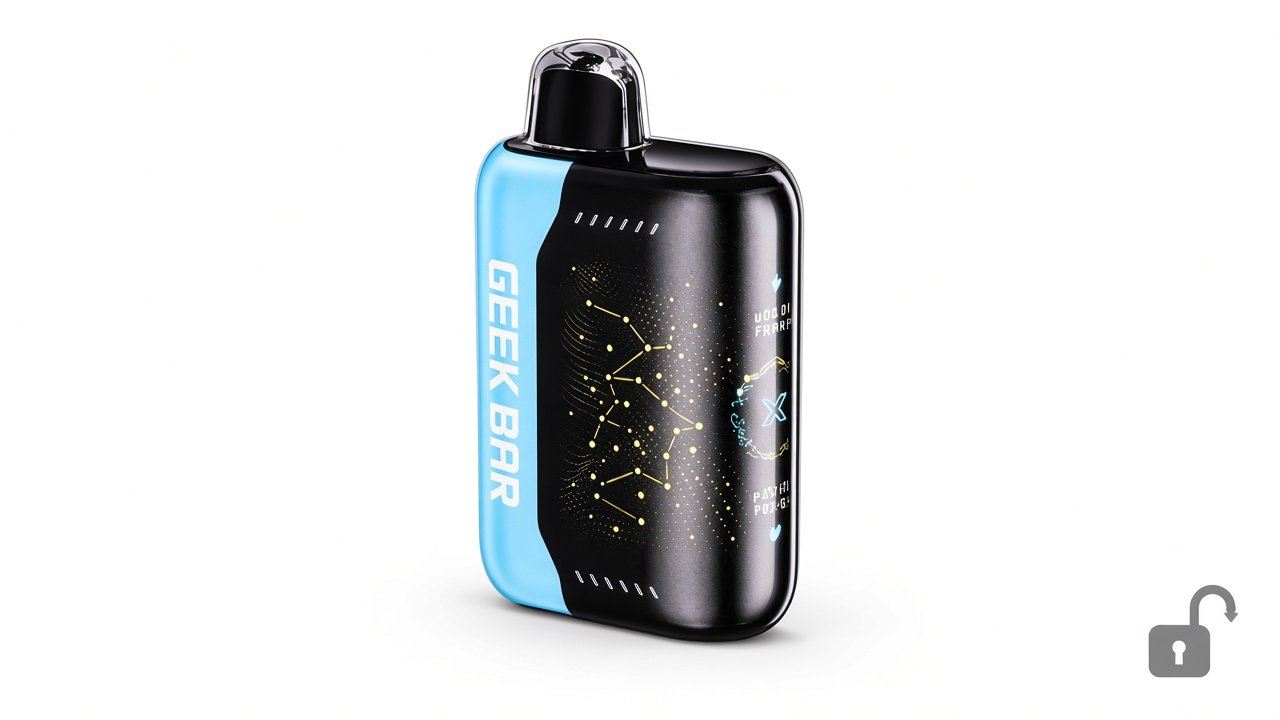
Quick answer: Many Geek Bar models with a screen and button use a child lock: pressing the button a set number of times (often 5 quickly) toggles lock…

For adults 21+ only. Smokey Cloudz sells only to adults of legal age; see our Age Policy and Sales Restrictions. Vapes contain nicotine, an addictive chemical.
Quick answer: Many Geek Bar models with a screen and button use a child lock: pressing the button a set number of times (often 5 quickly) toggles lock on and off. Models without a button generally have no lock. Check your device’s manual for the exact sequence.
Try this
- Find the button (often on the side or bottom).
- Press it quickly several times. The exact count varies by model, so follow your manual.
- Watch the screen for a lock/unlock icon.
- Take a gentle puff to test.
Still won’t hit?
It may be a battery or airflow issue — see vape lighting up but not hitting.
FAQ
Why does my Geek Bar say locked?
The child lock is on; use the button sequence from your manual to unlock.
Do all Geek Bars have a lock?
No. Models without a button usually don’t.