
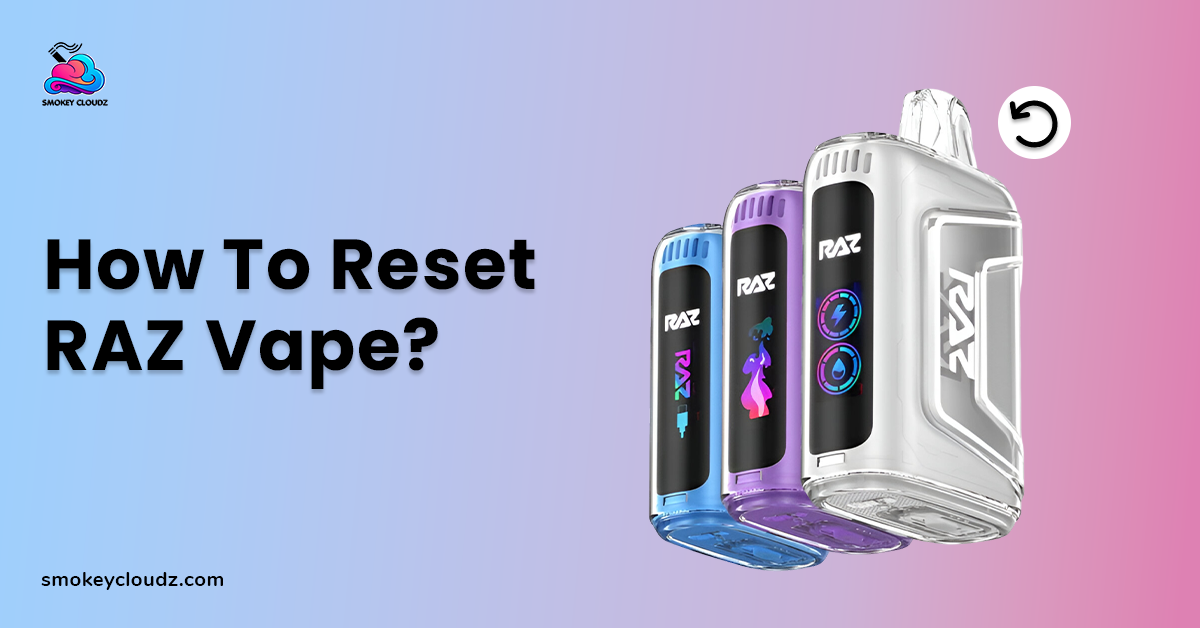
There are many reasons you have to reset your Raz Vape. Sometimes the device stops working, the light starts blinking, or it won’t charge properly. These issues can be frustrating, especially when you rely on your vape for a good experience.
While Raz Vape devices do not have a traditional reset button, most problems can be fixed with simple troubleshooting steps. Understanding the common causes and applying the right methods can restore performance quickly and safely, letting you get back to vaping without worrying about damaging your device.
Can You Reset a Raz Vape?
Raz Vape devices are primarily designed as disposable or semi-disposable units. They do not come with a dedicated reset button or factory reset option. When people search for how to reset the Raz Vape, they usually mean troubleshooting the device to fix battery, airflow, or sensor-related issues. In most cases, the solution involves simple checks rather than an actual software reset. Always perform these steps carefully to avoid damaging the device.
Why You Might Need to Reset the Raz Vape?
There are several common situations where users feel the need to reset their devices. Most of these problems are related to battery protection, airflow blockage, or internal safety features.
Raz Vape Not Hitting
If your Raz Vape is not producing vapor, the issue could be blocked airflow or an inactive draw sensor. Dust, pocket lint, or residue near the airflow holes can prevent proper activation. In some cases, a low battery can also stop the device from firing even if the light turns on. Always ensure the device is clean and properly seated in its housing.
Raz Vape Blinking Light
A blinking light often signals a battery warning or internal safety trigger. This may happen when the battery is low, overheated, or short-circuited temporarily. Charging the device fully or allowing it to cool down often resolves this issue. Regularly monitor battery temperature for safer use.
Raz Vape Not Charging
If your device is not charging, the problem may be related to the cable, charging adapter, or dirty charging port. Sometimes, the internal battery protection mode activates due to voltage fluctuations, causing the vape to appear completely dead. Inspect the charging port and ensure the cable fits snugly.
Weak Vapor Production
Weak vapor usually indicates a low battery or that the device is nearing the end of its lifespan. Disposable vapes gradually lose performance as the e-liquid level decreases or the coil wears out. Consider replacing the unit if performance continues to decline.
How to Reset RAZ Vape Step by Step?
While there is no physical reset button, you can follow these troubleshooting steps to safely reset the Raz Vape performance. Each method is easy to follow and can quickly help restore your device's performance.
Soft Reset Method
Most RAZ vapes can be reset using a simple button combination:
-
Make sure the device is not connected to a charger.
-
Press and hold the power button for 10 to 15 seconds.
-
If your model has multiple buttons, press them together for 10 seconds.
-
Release the device and wait for it to restart.
After restarting, take a light puff to check if the device is functioning normally.
Reset by Charging Cycle
If the soft reset does not work, try a charging reset:
-
Connect the vape to a reliable USB-C charger.
-
Let it charge for 15 to 20 minutes.
-
Disconnect and attempt to use it again.
Sometimes the internal chip refreshes during a charging cycle. Be patient and avoid repeated plugging and unplugging to ensure the reset works effectively.
Check Airflow Before Assuming It Is Broken
Airflow blockage is one of the most common reasons a RAZ vape will not hit.
-
Inspect the mouthpiece for debris.
-
Slide the airflow control back and forth fully.
-
Make sure no protective stickers remain on the base.
If airflow is restricted, the device may feel like it has stopped working even though it has not.
Battery and Charging Troubleshooting
If your RAZ vape is not charging or turning on:
-
Clean the charging port gently with a dry cotton swab.
-
Try a different cable.
-
Avoid high-power fast-charging adapters.
-
Make sure the charger is properly inserted.
Raz Vape Model Specific Reset Instructions
Different Raz Vape models may behave slightly differently when troubleshooting or resetting. Knowing model-specific tips can help you fix issues safely and avoid unnecessary damage.
RAZ TN9000
Raz TN9000 vape typically responds well to a long button hold reset and airflow adjustment. Make sure to press the button firmly and allow the device to rest after resetting. Always check that the airflow is fully open before use.
RAZ DC25000
This device includes a display screen. If frozen, try both button hold and charging cycle reset methods. Always confirm airflow position before assuming a malfunction. Monitor the screen for signs of normal operation after each reset, and avoid over-pressing buttons to prevent damage.
When Resetting Will Not Work
Resetting cannot fix:
-
Burnt coil taste may cause harsh flavor and reduced vapor, requiring device replacement or coil attention.
-
Empty e-liquid prevents vapor production, so always check fluid levels before troubleshooting.
-
Physical internal damage, cracks, broken components, or impact can permanently affect performance and cannot be reset.
-
Water exposure moisture can short-circuit electronics, leading to a malfunction that a reset cannot fix.
In those situations, replacing the unit is the safest option.
Conclusion
Reset Raz Vape properly can help fix common issues like blinking lights, charging problems, or weak vapor. Although Raz devices do not include a traditional reset button, simple troubleshooting steps can often restore normal performance.
If the device still does not work after trying these methods, replacement is usually the best option since most Raz models are disposable and not designed for internal repairs.
FAQ's
How do I reset my RAZ vape if it is not working?
You can perform a soft reset by holding the power button for 10–15 seconds. If it has multiple buttons, hold them together. Also, check the airflow and battery before assuming it is broken.
Why is my RAZ vape blinking?
A blinking light usually indicates a low battery or internal safety trigger. Charge the device fully and let it cool down. If it continues, inspect for airflow or connection issues.
Can I reset the puff counter on a RAZ vape?
No, once the puff counter reaches zero, the device stops working permanently. Disposable RAZ vapes are not refillable or programmable.
What should I do if my RAZ vape is not charging?
Check the charging port for debris and use a compatible USB-C cable. Avoid high-power adapters. If it still does not charge, the internal battery may need replacement.
How can I improve weak vapor production?
Weak vapor may result from a low battery or a worn-out coil. Ensure the device is fully charged and the airflow is clear. If performance continues to decline, consider replacing the vape.

Leave a comment
This site is protected by hCaptcha and the hCaptcha Privacy Policy and Terms of Service apply.