

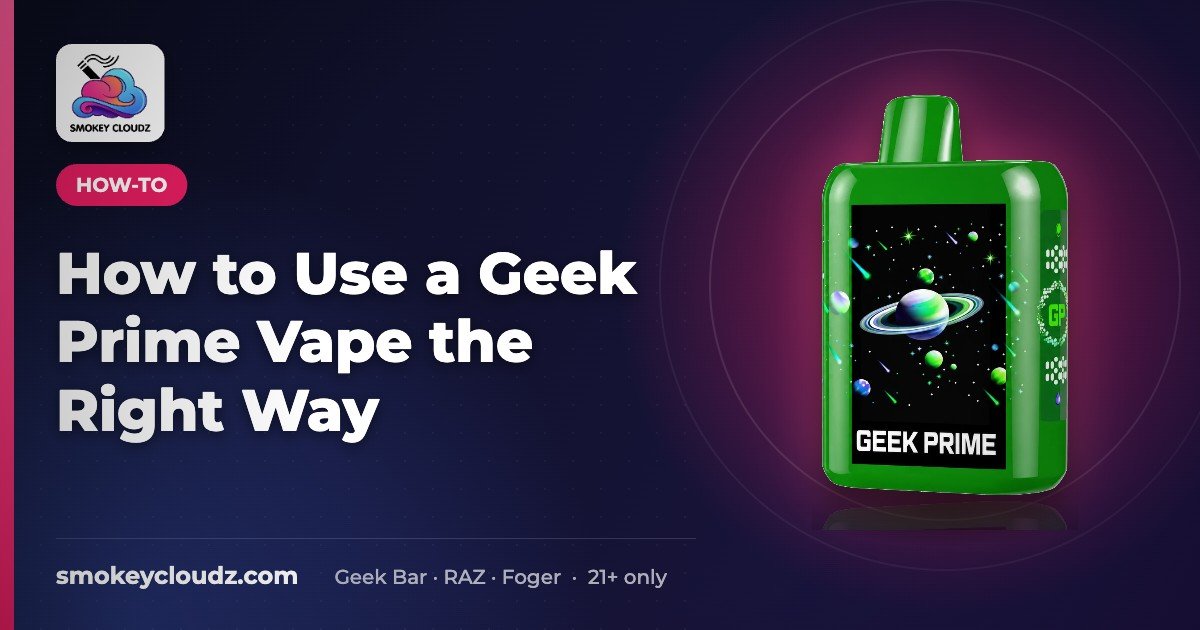
How to Use a Geek Prime Vape the Right Way
Quick answer: Charge it with USB-C, then simply inhale gently through the mouthpiece — it’s draw-activated, so there’s no button to press for a puff…

For adults 21+ only. Smokey Cloudz sells only to adults of legal age; see our Age Policy and Sales Restrictions. Vapes contain nicotine, an addictive chemical.
Quick answer: Charge it with USB-C, then simply inhale gently through the mouthpiece — it’s draw-activated, so there’s no button to press for a puff. Take slow, steady puffs, keep an eye on the battery and e-liquid display, and let it rest between long sessions. Geek Prime is no longer listed; see current Geek Bar vapes.
Step by step
- Unbox and check the device for damage.
- Charge with USB-C before first use if the battery reads low.
- Inhale gently — mouth-to-lung or a slow direct draw.
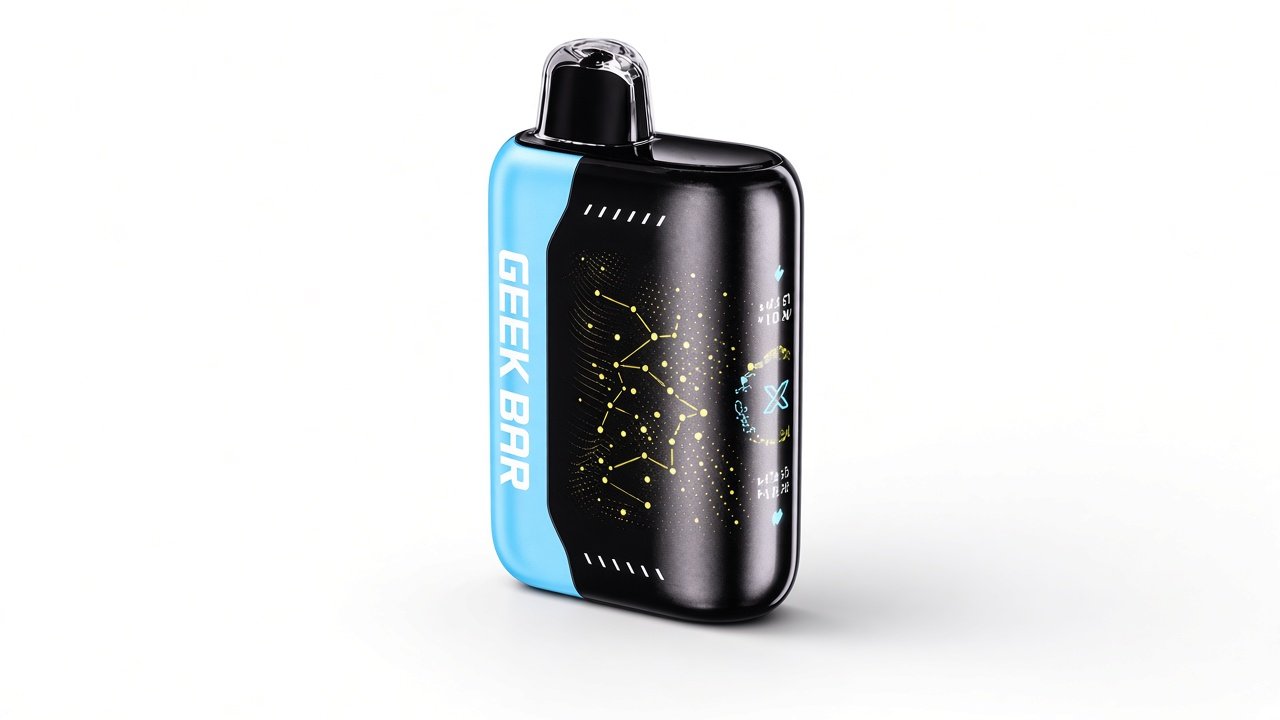
- Read the display for battery and e-liquid level. Similar screens appear on the Geek Bar Pulse X2.
- Rest between puffs to avoid burnt or flooded hits.
Common mistakes
- Pulling too hard (floods the coil).
- Chain-puffing (can cause burnt taste).
- Leaving it in a hot car.
Related
FAQ
Does the Geek Prime have a button?
It’s draw-activated for puffing; check your manual for any mode or lock button.
How do I know it’s empty?
The e-liquid indicator will show empty and hits will taste weak or burnt.