
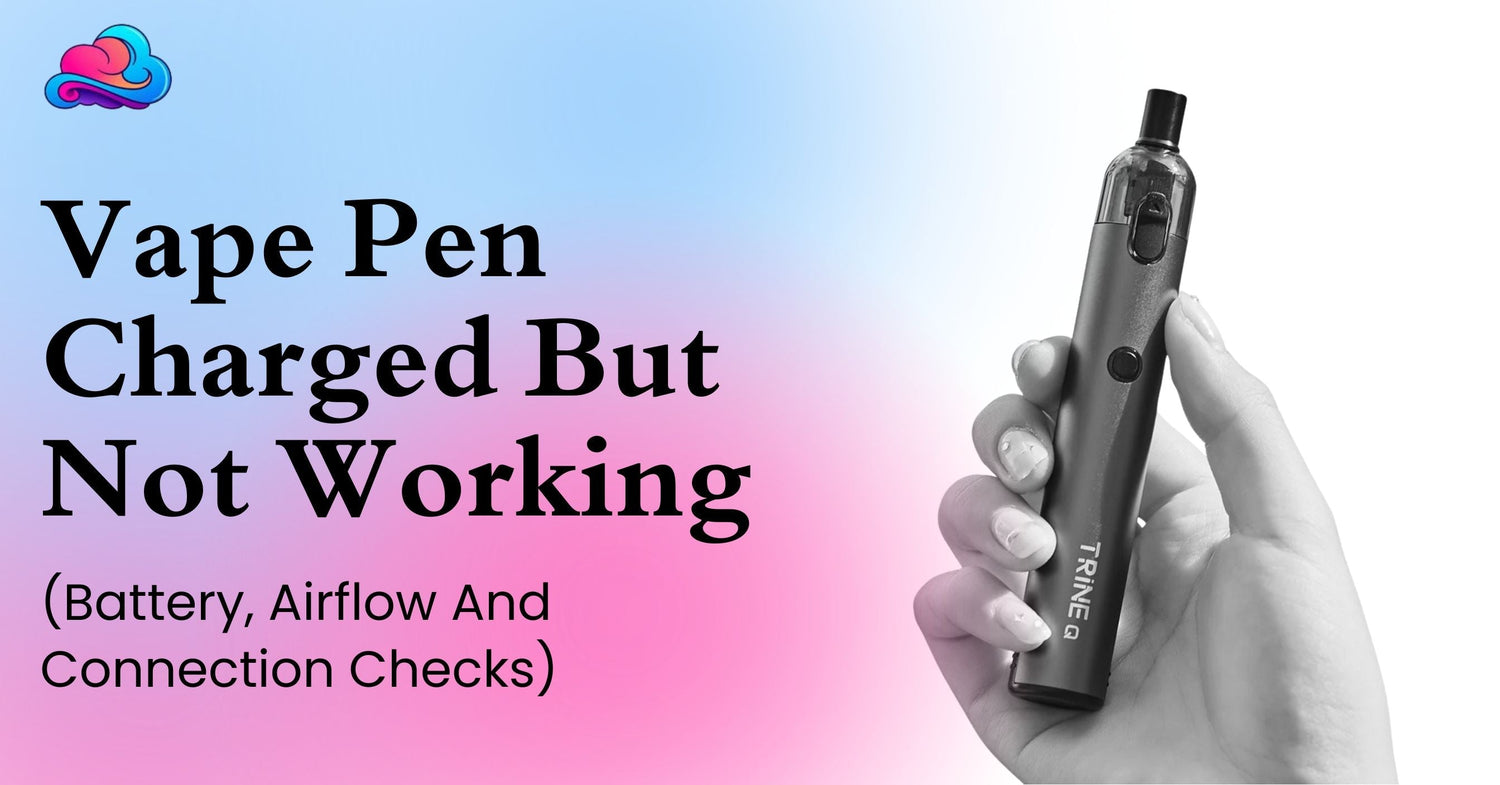
A vape pen not working after charge can be very annoying. You plug it in, wait for the light, think it is ready, then take a puff and get no vapor. This can happen with vape pens, rechargeable disposables, pod devices, and high puff products. If you are checking adult devices like the Lost Vape Orion Bar 50K, it is still smart to know the battery, airflow, and charging signs before using it daily.
This issue can feel confusing because the device may look charged. The light may turn on. The cable may work. Still, the vape pen may not hit. In many cases, the issue is not only charging. It may be a battery contact problem, airflow blockage, pod issue, dry coil, or device fault.
This adult guide gives calm checks before you replace the device or contact support.
Main Reason Behind This Issue
A vape pen can charge and still not hit because charging only powers the battery. It does not always mean the coil, airflow, pod, or sensor is working right.
A charged vape pen needs 4 things to work well. It needs battery power, clean contact points, open airflow, and liquid reaching the coil. If 1 part fails, the vape may light up but give no vapor.
This is why a vape pen charged but not hitting should be checked in small steps. Do not open the battery area. Do not cut wires. Do not use force. Most safe checks are outside the device.
Vape Pen Charged But Not Hitting
If the vape pen is charged but not hitting, start with the airflow. A blocked mouthpiece or covered air hole can stop the device from pulling correctly.
Next, check the pod or tank. If it is loose, the battery may not connect with the coil. Remove it gently if the model allows, then place it back properly.
Also check for a burnt smell. A coil that is dry or damaged may not create normal vapor even with full battery.
If you want a wider breakdown of battery, airflow, and weak hit issues, the full vape not working guide fits well as the main troubleshooting page for this topic.
Light On With No Vapor
A vape pen light on no vapor issue is very common. The light only tells you the device has some power or the sensor is reacting. It does not always mean vapor is being made.
This can happen when the coil is not heating, the pod connection is dirty, the liquid is too low, or airflow is blocked. On some devices, a blinking light can mean low battery, short circuit, or overuse protection.
Use a dry cotton swab on visible contact points if the device has a removable pod. Keep everything dry. Liquid around the contacts can stop power from reaching the coil properly.
If the vape is disposable and sealed, do not pull it apart. Check outside areas only.
Charging Cable And Port Checks
A vape pen charging issue can start with the cable, not the device. Some cables only transfer power weakly. Some ports collect dust or pocket lint.
Try a different safe cable that fits the device. Use a clean power source. Check the charging port for dirt. Do not push metal tools inside the port.
If the device gets hot while charging, unplug it and stop using it. Heat is not a good sign.
A device such as the Nexa Pro 30,000 Puff Disposable Vape may have a rechargeable design, but it still needs correct cable use, clean port care, and safe charging habits.
Battery Problem Signs
A vape pen battery problem may show up in different ways. The device may charge for a very short time. The light may blink again and again. It may turn on but not heat. It may die quickly after charging.
If the battery is old, damaged, or no longer holding power, the vape pen may not work even after charging.
Signs of battery concern include heat, swelling, leaking, burning smell, or charging failure. If any of these happen, stop using the device right away.
Never try to repair a vape battery at home. Vape batteries can be risky if they are punctured, crushed, or overheated.
Adult Check Routine After Charging
Use this routine before deciding that the vape pen is finished.
-
Let the device rest after charging
Give it a minute before taking a puff. -
Check the cable and power source
A weak cable can give a poor charge. -
Look at the charging port
Dust or liquid can block a proper connection. -
Check the mouthpiece
Lint or buildup can block airflow. -
Check the pod or tank connection
Loose contact can stop vapor. -
Take a slow puff
A soft draw works better than a hard pull. -
Stop if the device feels hot or damaged
Safety comes first.
These checks are basic, but they can solve many small issues without opening the device.
Real Life Adult Situation
An adult user charges a vape pen for 40 minutes. The light turns on, so they think it is ready. They take a puff, but there is no vapor.
At first, they think the battery is dead. Then they remove the pod and notice a little liquid near the contact area. They wipe the contact points with a dry cotton swab and reconnect the pod. The device starts hitting again.
Another adult charges a disposable vape. The light comes on, but the draw feels blocked. They check the mouthpiece and notice pocket lint near the opening. After cleaning the outside area, the airflow feels better.
A 3rd adult has no vapor, no proper charge, and the device gets warm. That is not a normal issue. The safe move is to stop using it and contact the seller.
Small User Errors That Cause Trouble
Many charging related vape problems come from small habits.
Some adults keep charging with a damaged cable. This can make the battery act strange.
Some use the vape right after charging while the device is still warm.
Some cover airflow holes with fingers and think the device is dead.
Some ignore liquid around pod contacts.
Some keep puffing after burnt taste starts.
Some try to open a sealed disposable vape to “fix” it. That can damage the battery and make it unsafe.
If a device is new and fails right away, the guide on brand new disposable vape not working can support the next step.
Better Adult Habits For Charged Vape Pens
Keep the charging port clean and dry. Store the device away from dust, water, and heat.
Use the cable that fits properly. Do not force the charger into the port.
Give the device a short break between puffs. This protects the coil and helps vapor feel smoother.
Do not let the battery fully drain every time if the product directions suggest regular charging.
Keep the vape upright when possible. This can reduce leaks and protect contacts.
Keep nicotine products away from children and pets at all times.
Connection To A Bigger Troubleshooting Guide
Vape pen not working after charge is part of a bigger vape troubleshooting guide. Battery power is only 1 part of the device. Airflow, coil condition, pod contact, liquid level, and charging port condition all matter.
This is why a charged light can be misleading. The vape may have power but still fail to make vapor.
The best approach is to check the outside parts first, then decide if it needs store support or replacement.
Time For Store Or Repair Support
Ask seller support when the vape pen is new and does not work after safe checks. Share the product name, order number, issue details, and a photo if needed.
Use repair support only when the device is designed to be serviced. Most sealed disposable vapes are not made for repair.
For broader local service context, the Pharaoh Smoke vape phone repair article can sit naturally in the wider device support path.
Stop using any vape pen that gets hot, leaks badly, smells burnt, or has a swollen battery area.
Battery Safety Reminder
A vape pen is an electronic product with a battery inside. Battery care matters as much as flavor and puff count.
Do not use damaged chargers. Do not leave devices near water. Do not carry a loose device with keys or metal items pressing against it. Do not keep using a device that acts unsafe after charging.
For broader consumer battery safety awareness, the CPSC shares safety information through its consumer safety page. This is a natural reminder that battery powered products should be handled with care.
Conclusion
A vape pen not working after charge can happen for several reasons. The battery may be weak. The pod may not connect. Airflow may be blocked. The charging cable may be poor. The coil may be dry or damaged.
Start with safe checks. Check the cable, port, mouthpiece, airflow, pod contacts, and device condition. If the device lights up but gives no vapor, do not assume charging is the only issue.
Stop using the vape if it gets hot, leaks, smells burnt, or looks damaged. Contact the seller when a new device fails after normal checks. Adult vape use should stay calm, careful, and safety focused.
FAQs
Reason behind vape pen not working after charge?
It may be a battery issue, blocked airflow, loose pod contact, dry coil, or faulty charging port.
Vape pen charged but still not hitting?
Yes, this can happen if power is present but airflow, coil, or pod connection is not working right.
Vape pen light meaning after charging?
A light can show power, charging status, or an error. The meaning depends on the device model.
Light on but no vapor from vape pen?
The battery may work, but the coil may not heat, the airflow may be blocked, or the pod may be loose.
Safe time to stop using a faulty vape pen?
Stop right away if it gets hot, leaks, swells, smells burnt, or does not work after basic checks.

Leave a comment
This site is protected by hCaptcha and the hCaptcha Privacy Policy and Terms of Service apply.