
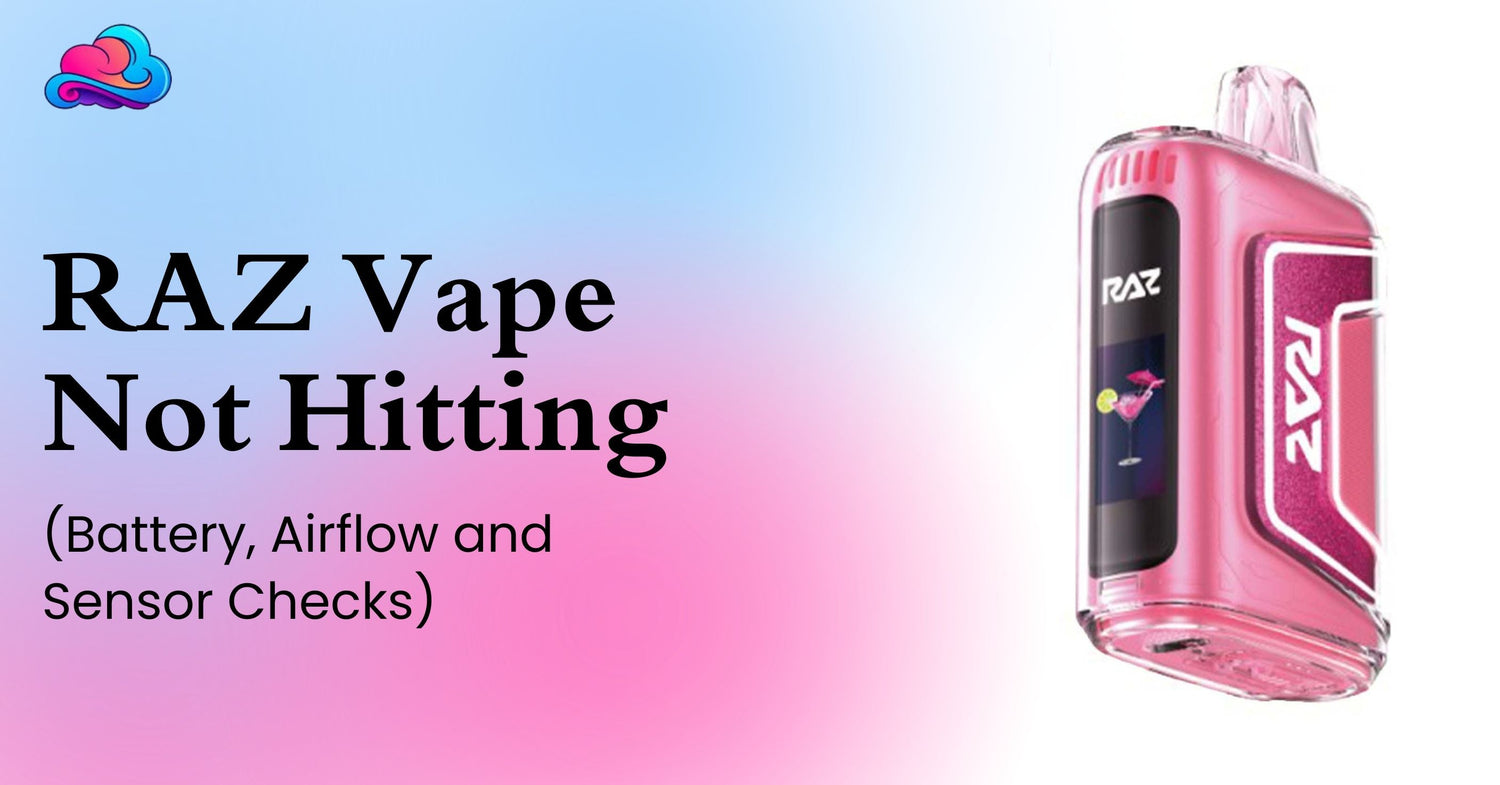
A device that lights up but gives no vapor can feel confusing. You may have charged it, moved the airflow slider, and tried another draw, yet nothing changes. When a Raz vape not hitting problem begins, the cause is often linked with battery power, a blocked air path, a draw sensor that is not activating, low liquid, coil wear, leaking, or a device fault.
A RAZ vape stopped working complaint needs a calm check rather than force. Pulling harder, hitting the body, opening the case, or pushing metal into an air hole can turn a small fault into battery or leak damage. Current RAZ LTX product details show a draw activated sealed device with USB C charging, adjustable airflow, a screen, an 800mAh battery, and Normal and Boost modes. The same page says the device should not be opened, refilled, or modified.
This guide gives RAZ disposable troubleshooting steps for adults aged 21 and above. It also explains when testing should end and when a replacement request is more suitable.
Quick Answer
When a Raz vape not hitting issue appears, check the device in this order: remove every shipping seal, inspect the mouthpiece, open the airflow, review the battery and liquid display, charge through the intended port, let the device cool, and try 1 light steady draw. The RAZ LTX page also directs users to remove seals, use the airflow control, and recharge through USB C when battery power is low.
A RAZ screen on no vapor result usually means the display has power but the heating system is not producing normal output. The air path may be blocked, the sensor may not detect the draw, the liquid may be too low, or the internal coil may have reached its end.
Do not keep testing after a burnt smell, strong heat, swelling, cracks, or heavy leaking. Those signs move the issue beyond basic checks.
Is the Battery Actually Charged?
A RAZ vape charged but not hitting problem can still involve power. A cable may have made the screen turn on without giving the battery enough time to charge. A worn cable, dirty port, weak power source, or hot battery may also interrupt normal charging.
Check the battery symbol before and after the charging session. Use a cable that fits the USB C port without force. Keep the device on a hard, dry surface and disconnect it after the full reading appears.
A full battery reading does not prove that the liquid and coil are still usable. Charging restores electrical power only. It cannot refill the sealed tank or repair a worn heating part.
Can Closed Airflow Stop the Draw?
Yes. A nearly closed slider can make the draw too tight for normal activation. A RAZ airflow clogged problem can also come from a shipping sticker, pocket lint, dust, condensation, or a hand covering the air opening.
Move the airflow control through its normal range, then leave it partly open. Wipe the outer mouthpiece and visible air opening with a dry tissue or soft brush. Do not place a pin, knife, paper clip, or wet swab deep inside the device.
When a RAZ airflow clogged condition continues, harder pulling is not the answer. Strong suction can move liquid toward the mouthpiece and may make leaking or coughing worse. Blocked airflow, hard pulling, leaking, and burnt puffs can all affect throat comfort.
Can the Screen Work Without Vapor?
Yes. RAZ screen on no vapor means the battery and display can still respond while another part of the device is not working normally. The liquid may be low, the coil may be worn, the airflow may be closed, or the draw sensor may not activate the heating cycle.
Review the liquid display beside the battery display. Both readings are estimates. Taste, vapor strength, leaks, and heat also matter.
A blinking display does not always mean the liquid is empty. The meaning can differ by model and warning pattern. Stop repeated testing when the device becomes hot or shows physical damage.
Is the Draw Sensor Blocked?
RAZ disposables are commonly activated by inhaling through the mouthpiece. The sensor reacts to a pressure change created by the draw. Dust, condensation, restricted airflow, or internal damage can prevent normal activation. The current LTX page describes the device as draw activated.
A powered screen with no vapor may occur when the screen wakes but the sensor does not keep the coil active. Open the airflow, clean only the outer openings, and take 1 steady draw rather than several sharp pulls.
Do not blow forcefully into the mouthpiece. That can move condensation or liquid toward the sensor and internal electronics. Do not shake or strike the device.
Can a Charging Cycle Clear a Temporary Fault?
Sometimes a short charging cycle can restore normal power after the battery has dropped very low. For a RAZ vape charged but not hitting case, disconnect the cable, let the screen go dark, allow the body to cool, then connect it to a suitable power source and watch the display.
The supplied RAZ LTX page describes charging, airflow, wattage, and mode controls, but it does not list a user factory reset. A safe reset check therefore means returning the device to a normal state. Disconnect power, let it rest, charge it correctly, open the airflow, and try a light draw.
Do not follow button combinations meant for another product. Do not open the case or touch internal wires. Sealed disposable electronics are not made for home repair.
A Safe Step by Step Check
Use this RAZ disposable troubleshooting order when a Raz vape not hitting problem begins.
-
Remove the mouthpiece plug and every airflow sticker.
-
Check the body for cracks, swelling, or leaking.
-
Review the battery and liquid display.
-
Move the airflow slider away from the fully closed position.
-
Wipe the outer mouthpiece and air opening with a dry tissue.
-
Let the device cool when it feels warm.
-
Charge it through the intended USB C port when the battery is low.
-
Disconnect it after the full reading appears.
-
Try 1 light and steady draw.
-
Stop when the burnt taste, leaking, heat, or no vapor result continues.
This process covers battery, blocked airflow signs, screen response, sensor activation, and end of life clues without opening the device.
A Real Adult Use Example
Consider an adult named Adam. His screen shows battery power, but no vapor appears. He thinks the RAZ vape stopped working even though it was used normally the day before.
Adam checks the bottom and notices the airflow slider is almost closed. He opens it halfway, wipes lint from the outer opening, and lets the device rest because it feels slightly warm. The next steady draw produces normal vapor.
Several weeks later, Adam has a RAZ vape charged but not hitting issue again. This time the liquid reading is very low and the taste is burnt. He stops testing and starts a RAZ vape replacement request rather than opening the case.
Can Low Liquid or Coil Wear End the Device?
Yes. A rechargeable battery may keep working after the usable liquid or coil has reached its end. The screen may still turn on, yet the device can give weak vapor, dry taste, or no output.
Long repeated draws and Boost mode can use liquid faster and place more heat on the coil. Allow short pauses between puffs. Stop when a burnt taste remains after the device has cooled.
A RAZ vape stopped working near the end of its liquid supply may not have a repairable fault. A sealed disposable does not support adding liquid or replacing the internal coil. The LTX listing states that its tank is prefilled and should not be opened or refilled.
Can Leaking Cause a No Hit Problem?
Yes. Liquid around the mouthpiece, air channel, screen, or charging port can affect airflow and electronics. Heavy leaking also makes further charging or repeated testing unsafe.
Keep the device upright and wipe only the outside with a dry tissue. Do not rinse it. Do not pull off the mouthpiece or push tissue deep into the air path.
A leaking device may also make coughing feel worse. The guide on reasons a vape can make an adult cough covers blocked airflow, burnt puffs, leaking, long draws, and throat irritation.
Stop using a leaking RAZ when liquid reaches the charging area, the body becomes hot, or leakage continues after the outer surface is cleaned.
Health Signals During Testing
Troubleshooting should not require repeated hard draws. Stop when testing causes coughing, chest discomfort, wheezing, or unusual breathing. The article on adult questions about vaping and lungs gives wider context about breathing changes and signs that need medical attention.
Dry mouth can also make a draw feel rough even when the device starts working again. The vape dry mouth guide covers nicotine strength, frequent use, breaks, and water intake.
Dizziness is another reason to stop rather than keep checking the sensor. The article on dizziness after vaping advises pausing use and seeking medical care when symptoms are severe, continue, or appear with chest pain or breathing trouble.
Product Format Matters
The current RAZ vape collection includes sealed disposable devices plus a separate Vue battery and pod route. A complete disposable and a removable pod system do not share the same contact or charging checks.
The RAZ LTX 25000 product page describes a sealed draw activated device with adjustable airflow, USB C charging, a screen, and Normal and Boost modes. It also says not to refill, open, or modify the device.
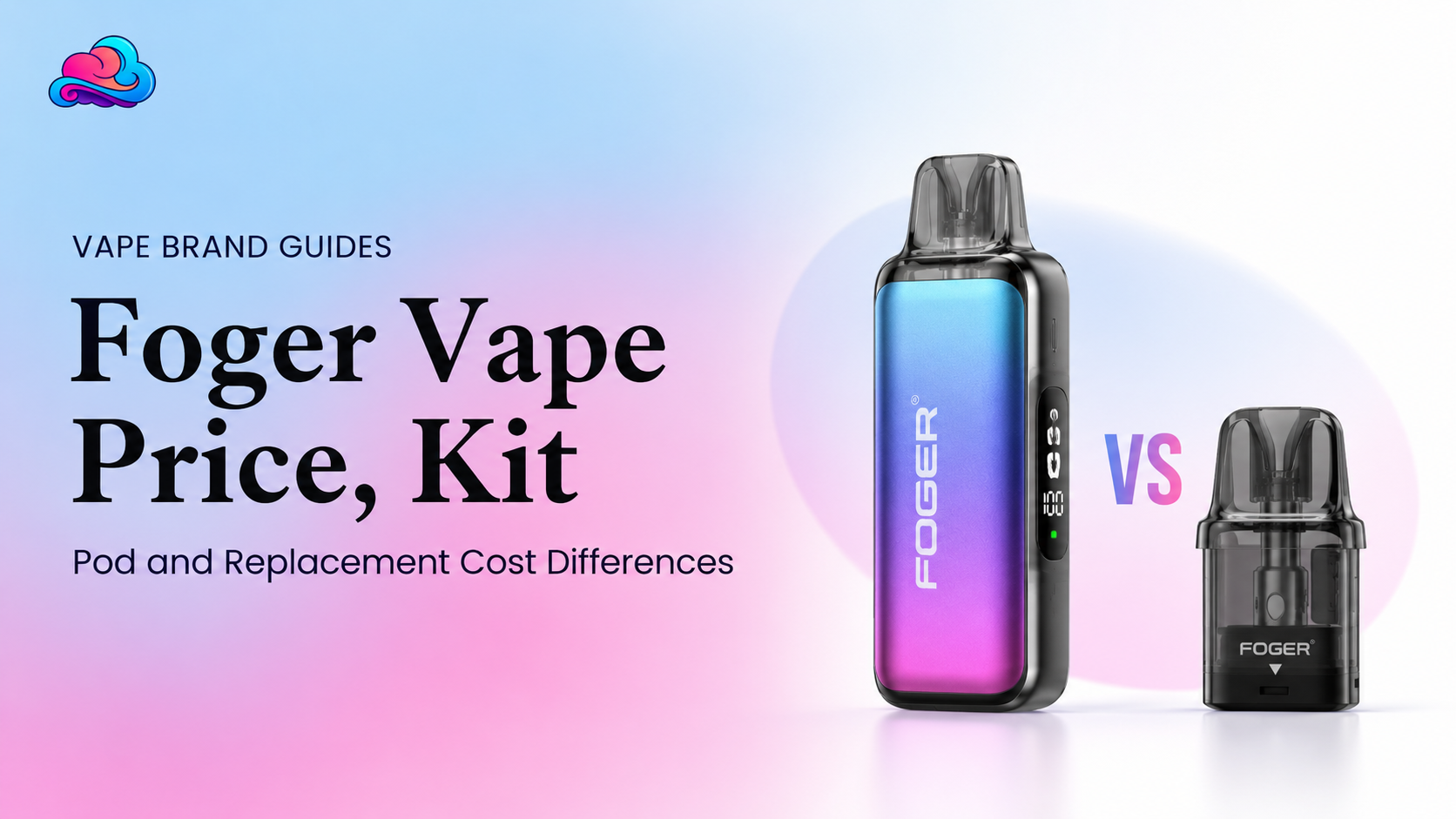
The Foger Switch Pro replacement pod belongs to another brand and uses a separate pod format. It should not be attached to a RAZ product or used as a test part.
Product matching matters during device checks. A cable, pod, dock, or instruction from another system may not suit the RAZ model in your hand.
Issues That Often Make the Problem Worse
The first issue is pulling harder after an airflow blockage appears. This can draw liquid into the mouthpiece and cause discomfort.
Another issue is striking the device against a table. An impact can damage the battery, screen, sensor, or liquid seal.
Some adults keep charging after the battery display is full because vapor is still absent. More charging will not repair an empty tank or worn coil.
The final issue is opening the sealed body. Internal wires and the battery should not be touched. A no hit problem is not worth creating a leak, short circuit, or burn risk.
Better Checks Before Replacement
Before requesting a RAZ vape replacement, record the exact model, flavor, purchase date, order number, battery reading, liquid reading, and the checks already completed.
Take clear photos when the package arrived damaged, the screen is frozen, or liquid is visible outside the device. Keep the box and receipt.
A RAZ vape stopped working soon after opening may be a product fault, while a device with a very low liquid reading and burnt taste may have reached its normal end. The seller needs these details to review the case.
Do not modify the device before contacting the store. Changes to the body can hide the original problem and make the condition harder to assess.
Connection With the Wider Device Care Strategy
A Raz vape not hitting problem belongs inside a complete RAZ disposable troubleshooting guide. Battery checks, airflow, sensor response, charging, screen readings, liquid level, leaking, coil condition, and safe replacement all connect.
This article supports that pillar by separating a low battery from a RAZ screen on no vapor result. It also shows that a reset check is a controlled rest and charging process, not a hidden repair method.
A wider pillar page can compare several RAZ models and explain which signs are shared and which steps depend on the exact device.
When Store Support Is the Right Step
Contact Smokey Cloudz when a new device arrives open, cracked, heavily leaking, unresponsive, or different from the ordered item. Keep the package, receipt, order number, and photos.
Store support is also suitable after normal battery, cable, airflow, cooling, and seal checks fail. Ask about the current RAZ vape replacement process and provide the model details.
Serious breathing trouble, chest pain, fainting, burns, smoke, or a rapidly heating battery needs urgent safety or medical support rather than another draw test.
Conclusion
A Raz vape not hitting issue often begins with low power, closed airflow, debris, sensor trouble, low liquid, coil wear, leaking, or a device fault. Start with the outer checks and stop before opening the sealed body.
A charged device with no output needs battery and liquid readings reviewed together. A full screen cannot repair an empty tank, burnt coil, or damaged sensor.
Good device checking ends when physical damage, strong heat, heavy leaking, burnt taste, or continued no vapor appears. At that point, store support and a replacement review are safer than more testing.
FAQs
Can a Charged RAZ Still Give No Vapor?
Yes. A RAZ vape charged but not hitting may have closed airflow, low liquid, coil wear, sensor trouble, or internal damage.
Can Closed Airflow Stop a RAZ From Working?
Yes. A closed slider or RAZ airflow clogged condition can prevent a normal draw and sensor response.
Can the Screen Turn On Without Vapor?
Yes. RAZ screen on no vapor means the display has power while the airflow, sensor, liquid, coil, or heating system may have a problem.
Is a Blinking Screen Proof That the Liquid Is Empty?
No. A blinking display may show a battery or device warning. Review the exact model information and the liquid reading.
Is There a Factory Reset Button?
The supplied LTX page does not list a factory reset. Let the device rest, charge it correctly, reopen airflow, and retry 1 steady draw.
When Should a Leaking RAZ Be Stopped?
Stop when leakage is heavy, reaches the charging area, returns after wiping, or appears with heat, cracks, or a burnt smell.
Can a New Defective RAZ Be Returned?
A store may review a defective item under its policy. Keep the package, receipt, order details, and clear photos.
Can a Sensor Be Cleaned From Inside?
No. Clean only the outer mouthpiece and visible airflow area. Do not open the body or push tools inside.
Can Low Liquid Cause a No Hit Result?
Yes. The battery and screen may still work after the usable liquid or coil has reached its end.
When Is Replacement More Suitable?
A RAZ vape replacement is more suitable after heavy leaking, physical damage, strong heat, lasting burnt taste, or continued failure after normal checks.

Leave a comment
This site is protected by hCaptcha and the hCaptcha Privacy Policy and Terms of Service apply.